If you need to know how to appeal a GBP suspension, this guide walks you through the exact process step by step. Your Google Business Profile is suspended. The leads have stopped. Google Maps shows nothing. Every day offline is revenue you are not getting back. The instinct is to hit the appeal button immediately and hope for the best.
That instinct will cost you.
I have handled over 250 GBP suspension appeals with a 98% success rate, and the single biggest reason businesses fail their appeal is rushing the process without understanding how it actually works. Google’s appeal system in 2026 has specific technical requirements, hidden time constraints, and zero tolerance for incomplete submissions.
This is the exact process I use to get businesses reinstated. Follow it precisely.
Step 1: Identify Your Suspension Type Before You Do Anything
Understanding how to appeal a GBP suspension starts with identifying which type of suspension you’re dealing with. Not all suspensions are the same, and anyone learning how to appeal a GBP suspension needs to understand that each type requires a different strategy. If you submit the wrong type of appeal for your situation, you waste your shot and make recovery harder.
There are three primary suspension types you need to identify:
Soft Suspension — Your listing is still visible to the public on Google Maps, but you have lost management access. You cannot edit your profile, respond to reviews, or post updates. This is the most common type and generally the easiest to resolve.
Hard Suspension — Your listing has been completely removed from Google Maps and Search. Customers cannot find you at all. This requires a more aggressive evidence package and a carefully worded appeal.
Disabled Profile — Google has taken your listing offline due to confirmed policy violations. This is the most serious type and often involves violations related to lead generation practices or quality issues.
If you are unsure which type you are dealing with, read the full breakdown of suspended vs disabled profiles before proceeding.
Step 2: Fix the Violation Before You Appeal
This is the step most business owners skip, and it is the reason most appeals fail.
If you appeal while the violation is still active on your profile, you are asking Google to approve a listing that is currently breaking their rules. The reviewer — whether human or AI — will deny it. Worse, a denied appeal flags your account as a repeat offender, making every future attempt harder.
Before you touch the appeal tool, go into your Google Business Profile dashboard and audit everything:
Business name — Must match your legal business name exactly. No keywords added. No service descriptions. No location modifiers unless they are part of your registered name.
Address — Must be a verifiable physical location. If you are a service-area business operating from a home address, the address should be hidden and only service areas displayed.
Categories — Your primary category must accurately reflect your core business. Secondary categories should be relevant, not aspirational.
Website URL — Must point to a live, functioning website. The footer of your website must match the name, address, and phone number on your GBP listing exactly.
Photos — Remove any stock photos, AI-generated images, or photos that do not represent your actual business, team, or location.
Do not proceed to Step 3 until your profile is in 100% compliance with Google’s Business Profile guidelines.
Step 3: Build Your Evidence Package Before Opening the Appeal
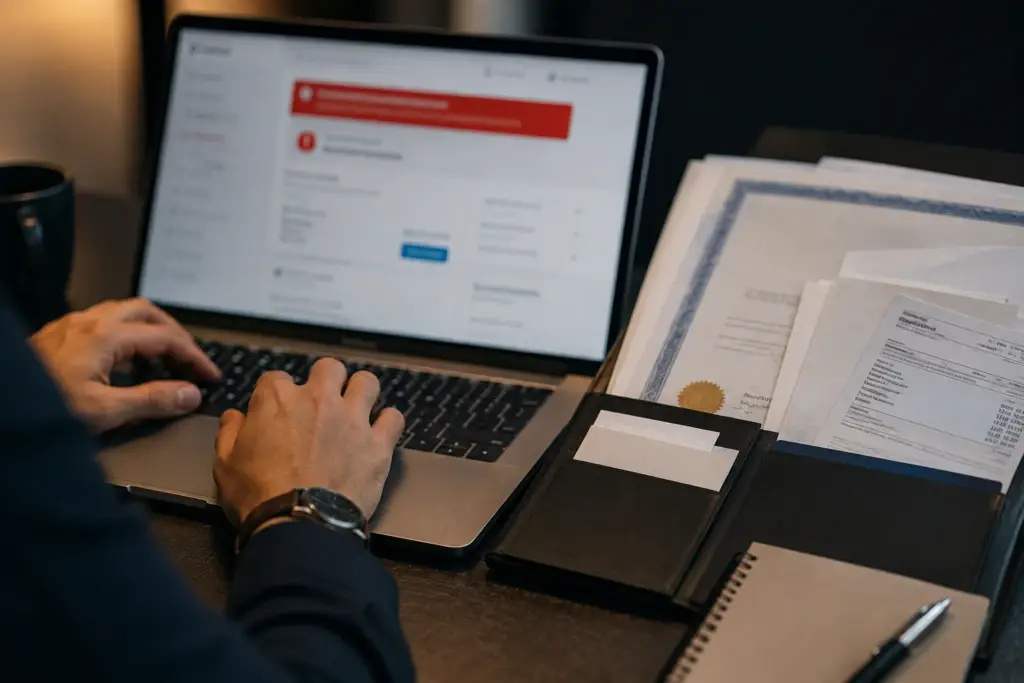
This is where most business owners learning how to appeal a GBP suspension lose their reinstatement. Google’s appeal tool has a hidden constraint that catches even tech-savvy owners off guard: once you submit the initial appeal form, you are granted approximately 60 minutes to upload your supporting evidence.
Sixty minutes. That is it.
If you are still scrambling to scan a business license or find a utility bill when that timer runs out, you have wasted your best chance at reinstatement. If you want to know how to appeal a GBP suspension successfully, everything comes down to preparation.
Your evidence package should include:
Business Profile ID — Go to your Profile Menu, then Business Profile Settings, then Advanced Settings. Copy that ID into a document alongside your official name, phone, address, and website URL.
Business license or state registration — The document that proves your business is legally registered.
Insurance certificate — Current and showing your business name and address.
Utility bill or service bill — Ideally showing the business name and address. If you do not have a traditional utility bill, alternatives work. Internet service provider bills, waste disposal statements, and cell phone bills registered to the business name and address have all been accepted successfully.
Company branded materials — Photos of branded vehicles, uniforms, t-shirts, business cards, or signage.
Adjacent business photos — If you operate from a physical storefront, take a photo that captures your location with the neighboring businesses visible. This helps Google’s AI verify your physical location.
Photos of equipment, vehicles, or job sites — Anything that demonstrates your business operates in the real world.
Organize everything into a single folder. Name each file clearly. Have it ready before you open the appeal form.
Step 4: Submit Your Appeal — Once, Correctly
Knowing how to appeal a GBP suspension correctly means treating your submission as a one-shot opportunity. Open Google’s reinstatement request tool. Fill in the required fields accurately. When you reach the Description field, this is your one opportunity to provide context. Do not waste it.
Do not write “Please help” or “I don’t know why I was suspended.” Instead, write a clear, factual statement that explains what you corrected and why. For example:
“I have updated my business name to match my state registration, removed service area keywords from the business name field, and confirmed that my website footer matches the name, address, and phone number on my Google Business Profile. All supporting documentation is attached.”
Treat this as a formal declaration, not a customer service request.
Upload your evidence package within the 60-minute window. Submit.
Do not submit multiple identical appeals. Google can permanently block future appeals from accounts that submit repeated identical requests. One submission, done correctly, is the strategy.
Step 5: Wait — And Know What to Expect
A critical part of knowing how to appeal a GBP suspension is understanding what happens after you submit. After submission, response times depend on your suspension type and the current volume of appeals Google is processing.
Soft suspensions typically resolve within 24 to 72 hours with proper evidence.
Hard suspensions generally take 1 to 3 weeks.
Disabled profiles and account-level restrictions can take 3 to 6 weeks or longer, particularly DPNB routing cases from the 2026 mass suspension waves.
During this waiting period, do not create a new Google Business Profile for the same business at the same address. This triggers an automatic hard suspension on the new profile and complicates your existing appeal. It is the single most destructive mistake you can make during the appeal process.
For a more detailed breakdown of expected timelines, read GBP suspension resolution timelines.
Step 6: Post-Reinstatement Protection
Knowing how to appeal a GBP suspension is only half the battle — protecting your reinstatement is the other half. Re-suspension is a real risk, particularly in 2026’s enforcement environment.
Once your profile is back online, follow these rules for at least 14 days:
Do not change your business name. Do not change your primary category. Do not change your address. Do not make any major edits to your profile. Let the system recognize your profile as stable before making any updates.
After the 14-day freeze period, make changes slowly and one at a time. Batch edits — changing your name, category, and photos all at once — can trigger another algorithmic flag.
When to Call a Specialist
If you have already tried to figure out how to appeal a GBP suspension on your own and been denied, if you are dealing with a DPNB account restriction, or if you have submitted multiple appeals without success, the standard self-service path may no longer be available to you. Failed appeals reduce your future options, and each denied submission makes the next one harder
A reinstatement specialist can assess your specific situation, identify exactly what triggered the suspension, and determine whether escalation through alternative channels is required.
Request a free case evaluation from a team that has completed over 250 reinstatements with a 98% success rate.
FAQ
How long does a Google Business Profile appeal take in 2026?
Response times vary by suspension type. Soft suspensions typically resolve in 24 to 72 hours. Hard suspensions take 1 to 3 weeks. Disabled profiles and account-level restrictions can take 3 to 6 weeks or longer, especially DPNB cases from the 2026 enforcement waves.
What happens if my GBP appeal is denied?
A denied appeal does not mean your case is over, but it does narrow your options. Each denied submission is logged by Google and can make future appeals harder. If your first appeal was denied, do not resubmit the same information. A reinstatement specialist can assess what went wrong and determine the best path forward.
Can I create a new Google Business Profile while my current one is suspended?
No. Creating a new profile for the same business at the same address while a suspension is active results in an automatic hard suspension of the new profile and further complicates the appeal on your original listing.
What evidence does Google accept for a GBP appeal?
Google accepts business licenses, state registrations, insurance certificates, utility bills, ISP or phone bills registered to the business, branded materials such as vehicle wraps or business cards, and photos of your physical location including neighboring businesses.
What is the 60-minute evidence window in a GBP appeal?
After submitting the initial appeal form through Google’s reinstatement tool, you are given approximately 60 minutes to upload supporting documentation. If you miss this window, your appeal may be processed without evidence, significantly reducing your chances of reinstatement. It is the most overlooked detail when figuring out how to appeal a GBP suspension for the first time.