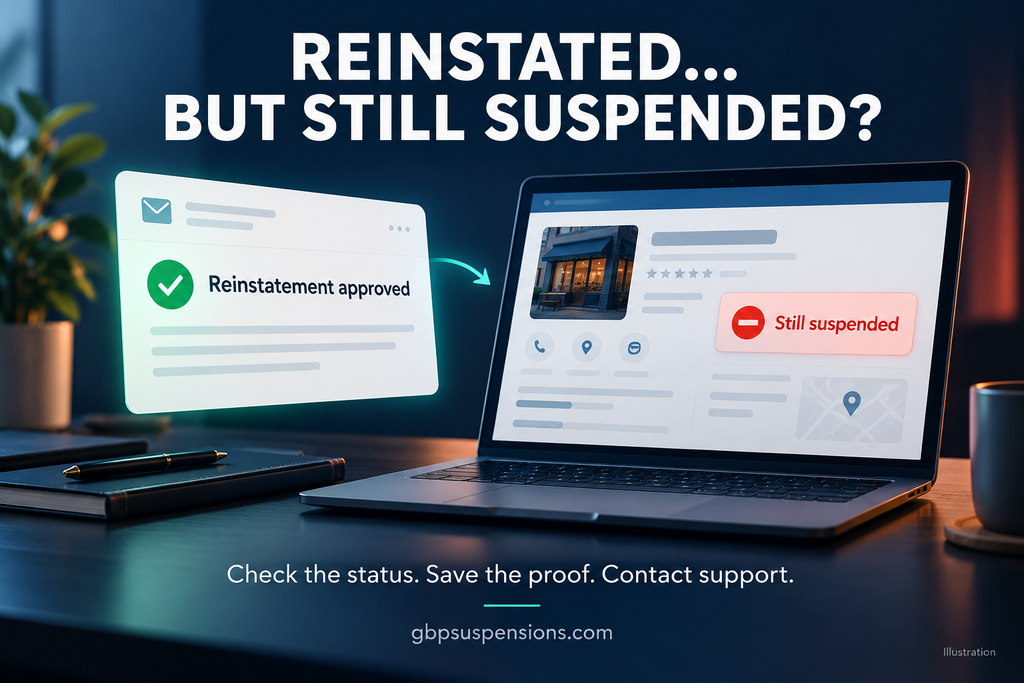
Google Business Profile reinstated but still suspended? If Google approved your reinstatement but your dashboard still shows a suspension notice, confirm the approval refers to the same profile, save screenshots of the conflicting statuses, and contact Google Business Profile support to clarify what remains unresolved.
You received the email you were waiting for: your Business Profile has been reinstated. But when you sign in, the suspension notice is still there. Your business may also remain missing from Google Maps.
Before changing your business information or submitting another appeal, establish what Google approved and what your profile currently shows.
This guide explains five checks to make, the evidence to save, and how to describe the problem clearly to support.
Why Is Your Google Business Profile Reinstated but Still Suspended?
An approval email and a suspension notice do not establish one confirmed cause.
You need to distinguish between several situations:
- The approval refers to a different profile or location.
- The approval email and current profile status conflict.
- A later suspension notice followed the approval.
- Google is requesting verification.
- An account restriction also needs attention.
- The profile is accessible but has a separate visibility problem.
These are possibilities to investigate, not diagnoses. Work from the exact messages, profile details, and dates available.
1. Confirm Which Business Profile Google Reinstated
Open the reinstatement email and compare it with the Business Profile you are viewing.
Check:
- Business name.
- Business location.
- Business Profile ID, if included.
- Google account used to manage the profile.
- Support case number.
- Date and time of the approval.
This is especially important if you manage multiple locations, use more than one Google account, or have an unresolved duplicate.
Does the approval belong to the exact profile that still shows suspended?
Save the email and the existing case number. If the email does not identify the profile clearly, include that uncertainty when contacting support.
2. Compare Your Dashboard With the Appeals Tool
Record the dashboard notice and appeals-tool status separately.
Google’s appeals tool can display statuses including:
- Submitted.
- Approved.
- Not Approved.
- Can’t be appealed.
- Eligible for appeal.
Take screenshots showing the selected business and the exact status. Record when you took them.
Use this comparison to organize your next step:
| What you see | What to investigate |
|---|---|
| Approval email, dashboard still says suspended | Confirm the profile identity and send both records to support |
| Approval email, appeals tool says Not Approved | Compare case numbers and decision dates |
| Approval followed by another suspension email | Check the later moderation action |
| Dashboard requests verification | Investigate the verification requirement |
| Profile is accessible but missing from Maps | Check public visibility separately |
Do not treat one conflicting screen as proof that Google denied your reinstatement again. Ask support to clarify the records.
3. Look for a Suspension Notice After Approval
Search your inbox, spam folder, and other accounts that manage the profile.
Look for messages received after the reinstatement email.
Build a short timeline:
- Date the original suspension appeared.
- Date you submitted the appeal.
- Date Google approved reinstatement.
- Date of any later suspension or verification message.
- Current dashboard and appeals-tool statuses.
A profile that still shows suspended is different from a profile that received a new suspension.
A later moderation notice is evidence to investigate another action. An unchanged dashboard without a later notice presents a status conflict that needs clarification.
If you made no edits after reinstatement, state that accurately. It does not, by itself, prove an error or explain the suspension.
4. Check for an Account Restriction
Look for a message explicitly stating that your Google account is restricted.
Google distinguishes account restrictions from individual Business Profile suspensions. Its guidance says an account restriction must be addressed before appealing the affected Business Profile.
If several profiles are affected, check the account notices. Multiple affected profiles are a reason to investigate, rather than proof of an account restriction.
Save any restriction message and its date.
Avoid removing owners, transferring the profile, or changing account access based only on suspicion. First establish what the notice says and which account it concerns.
5. Contact Support With the Conflicting Records
Google’s guidance directs businesses with problems involving reinstated profiles to Business Profile support.
If your Google Business Profile is reinstated but still suspended, prepare:
- Business name and Business Profile ID.
- Existing support case number.
- Reinstatement email.
- Screenshot of the current dashboard notice.
- Screenshot of the appeals-tool status.
- Any later suspension or verification message.
- Existing Google Maps link, if available.
Explain the conflict using dates and exact wording.
The immediate question is whether reinstatement has been applied to that profile and whether another restriction or requirement remains.
Message to Send Google Support
Hello Google Business Profile Support,
I received confirmation on [date] that [business name], Business Profile ID [ID], was reinstated under case [case number].
As of [date and time], the profile dashboard still shows “[exact wording].” The appeals tool shows “[exact status].”
I have attached the reinstatement email and screenshots of the current statuses.
[State whether a later suspension or verification notice was received.]
Please confirm whether reinstatement has been applied to this specific profile and whether any separate restriction or verification requirement remains.
Thank you.
What If Your Business Still Does Not Appear on Google Maps?
Search your exact business name and city. Also open the existing Google Maps link, if you have it.
Record whether:
- The profile is missing entirely.
- The profile appears when searching its exact name.
- The profile appears by name but not for a broader service search.
These observations point to different investigations. A profile that does not rank for “plumber near me” is not automatically suspended.
Use our Google Business Profile Not Showing? 7 Critical Checks guide to investigate visibility separately.
What If Google Denies Another Request?
Identify what Google denied before choosing the next action.
Was it:
- A reinstatement appeal?
- A verification submission?
- A support request about conflicting statuses?
If a reinstatement appeal was denied, read Google Business Profile Additional Review: What to Do After a Denied Appeal.
That guide explains preparing evidence for an additional review. When the issue is an approval email that conflicts with the dashboard, first document and clarify that conflict.
Mistakes to Avoid
Creating a Replacement Profile
A new profile does not resolve the conflicting status. It can introduce duplicate-listing complications.
Google specifically warns against creating another profile for the same business while an appeal is under review.
Changing Business Information Without Evidence
Do not change your name, address, category, phone number, or website simply because the suspension notice remains.
Identify a supported compliance issue before making a correction.
Sending an Unclear Support Request
“Please fix my profile” leaves out the information needed to understand the conflict.
Include the profile ID, case number, decision dates, and screenshots.
Frequently Asked Questions
Why is my Google Business Profile reinstated but still suspended?
The conflicting status does not establish a single cause. Confirm the profile identity, compare dated decisions, check for later notices, and ask support to clarify what remains unresolved.
How long should I wait after reinstatement?
Google’s reinstated-profile troubleshooting guidance does not give a universal deadline for this situation. Follow any timeframe stated in your case email. If the issue persists beyond that timeframe, contact support with the approval and current screenshots.
Should I appeal again after Google approved reinstatement?
Clarify the conflicting status first. If Google issued a separate new suspension, assess that moderation action and follow the route available for it.
Does reinstatement guarantee my previous rankings?
An approved appeal does not establish where the profile will rank. Check whether the profile is publicly accessible before investigating search rankings.
Can GBP Suspensions review my case?
Yes. We review the decision emails, profile status, business setup, and available evidence to identify the next action supported by the case. Google controls reinstatement decisions.
Get Your Reinstatement Case Reviewed
When your approval email and profile status disagree, organize the records before taking another action.
GBP Suspensions reviews suspension and reinstatement cases, including conflicting statuses, denied appeals, and documentation questions.
Request a free GBP case review to have your profile status and evidence reviewed.
Policy reference: Google Business Profile Help, “Fix suspended or disabled profiles,” including “Fix issues with a reinstated profile.” Guidance checked October 4, 202