
Google Business Profile Verification Failed? We Fix It.
Get My Free Case Review
Google Business Profile Verification Failed? We Fix It.
Get My Free Case Review
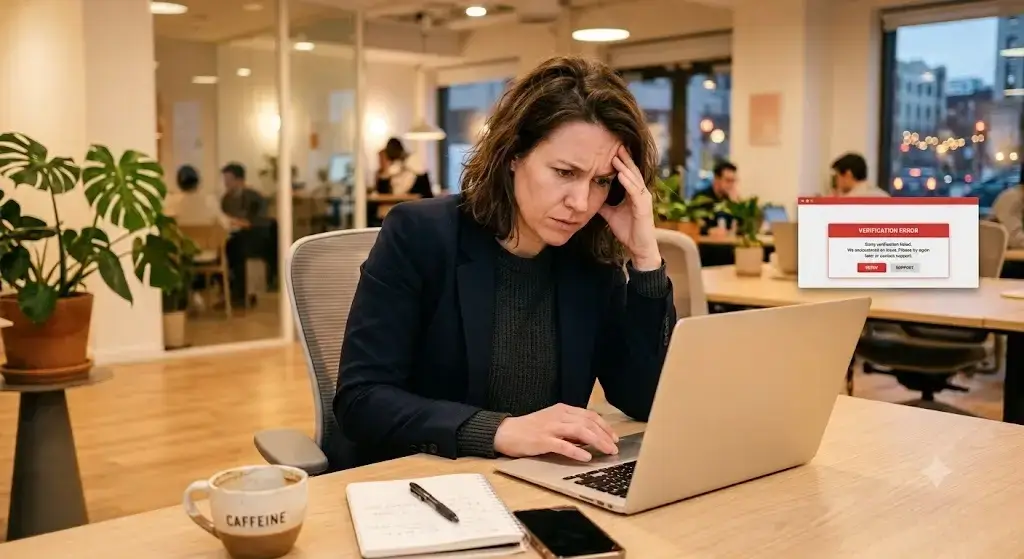
Video rejected. “No more ways to verify.” Profile stuck for weeks. We resolve GBP verification issues that Google won’t explain — with 250+ cases handled and a 98% success rate.
Verification Help
Why GBP Verification Fails More Than Ever
GBP verification issues are more common than ever — Google has made the process significantly harder. Video verification is now the primary method — and first-attempt rejection rates run 60–70%. One mistake can lock you out of further attempts entirely.
Until verification is complete, your business is invisible on Google Maps and local search. Every day stuck is a day your competitors are getting calls that should be yours.
- Video verification rejected — unclear signage, address mismatch, footage quality
- "No more ways to verify" — all methods exhausted
- Profile stuck in "pending review" or "additional review" for weeks
- Verification approved then immediately suspended
- Wrong business type selected (storefront vs. SAB vs. online-only)
- Duplicate listing blocking verification
- Reverification triggered after profile edits
- Previous owner or agency won't release the listing
Review Denied
Why Google Keeps Rejecting Your Verification
Most GBP verification issues don’t happen because the business is illegitimate. They fail because Google’s system is unforgiving and the rules aren’t clearly communicated.

Address Problems — Google cross-references your address against Street View, satellite data, USPS records, and commercial property databases. Minor formatting mismatches between your GBP, website, and public records trigger denial. SABs that accidentally list a physical address face even higher rejection rates.
Video Verification Mistakes — Google requires a single continuous recording (30 sec–2 min) showing exterior signage with the business name, the street address number visible from outside, a walkthrough from exterior to interior, and proof of active operations. Editing the video, recording outside business hours, or having GPS disabled causes automatic failure.
Business Type Classification Errors — Before Google shows you a verification method, it asks you to classify your business. Selecting “online-only” when you’re a service-area business routes you into the wrong pathway and can permanently restrict your options.
NAP Inconsistencies — If your name, address, or phone number doesn’t exactly match across your GBP, website, social profiles, and directories, Google flags it. Even “Suite 100” vs. “Ste 100” triggers problems.
Duplicate Listings — An existing listing for your business at the same address — even an old unclaimed one — can silently block verification.
Step-By-Step Fix
How We Get Your Business Verified
Step 1: Full Profile Audit — We review your GBP, website, citations, and public records to find the GBP verification issues triggering your denial.
Step 2: Fix the Root Cause — Address mismatch, duplicate listing, classification error, NAP inconsistency — we correct it before resubmitting.
Step 3: Verification Submission — We prepare and submit using the method most likely to succeed. If video is required, we provide exact recording instructions that meet every Google requirement.
Step 4: Post-Verification Protection — We monitor your profile. Edits, category changes, and address updates can trigger reverification — we help you avoid those traps.
GBP Verification FAQ
Q: Why does my video verification keep getting rejected?
Missing exterior signage, no visible street address number, non-continuous footage, GPS disabled, or filming outside business hours. Google requires all of these in a single unbroken take.
Q: What does "no more ways to verify" mean?
Google has determined all standard methods are exhausted for your listing — typically after multiple failed or abandoned attempts. These are among the most complex GBP verification issues, and professional intervention is usually required.
Q: Can I choose my verification method?
No. Google assigns methods automatically based on business type, public info, region, and other factors.
Q: Will editing my profile during verification cause problems?
Yes. Changing name, address, or category can invalidate a pending verification and trigger a new process.No. Google assigns methods automatically based on business type, public info, region, and other factors.
Q: How long does verification take?
Phone/text: minutes. Video review: days to weeks. Profiles stuck in “additional review” can take weeks without intervention.
Q: My profile was verified but then got suspended. What happened?
Google runs ongoing compliance checks. Address issues, category mismatches, or suspicious activity can trigger post-verification suspension — which requires a separate reinstatement process.Phone/text: minutes. Video review: days to weeks. Profiles stuck in “additional review” can take weeks without intervention.
Stop Losing Customers to a Verification Problem
Don’t let GBP verification issues keep your business invisible in local search. 250+ cases resolved. 98% success rate.